For Readers in a Hurry
- Humans are the biggest vulnerabilities in any computer system—at least when it comes to usernames and passwords, and thus access to data and applications. Consequently, people are a primary target for hackers.
- Despite two-factor authentication, security has not fundamentally changed. Resourceful cybercriminals use social engineering to find ways for users to disclose their second factor.
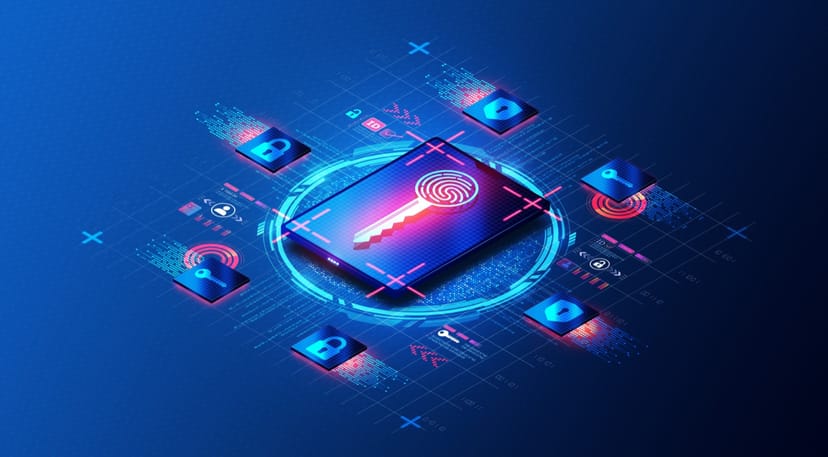
- Passkeys aim to change this: Instead of a username, password, and second factor, a passkey is automatically created when registering for an application. One half is stored on the user's device, the other half in the application.
- When the user logs in, the passkey is used in the background to authenticate them. There is no need to enter a username or password.
- Major internet browser manufacturers have already begun implementing passkey technology. Some website operators already offer passkeys for login.
A Tip for Trying It Out
AI is playing an increasingly dominant role in security; threats have become too complex for human responsiveness alone. If you are interested in a carefully curated weekly newsletter, the Handelsblatt AI Briefing is an excellent choice.
Passwords - A Problem in the Cloud Age
For decades, passwords have been the de facto standard for user authentication. However, they are increasingly becoming a problem:
- We forget them easily.
- We reuse them across services.
- They can be easily stolen.
- They can be intercepted and misused.
Especially in times of heterogeneous system landscapes, a user must manage, use, and securely store over 100 passwords. This is a risk for every company.
While password managers offer a solution for more secure credential management, they are still subject to the inherent problem of passwords: they must be transmitted between the client and the server.
Passkeys change that. The era of passwords is coming to an end.
What Are Passkeys?
Passkeys are access credentials generated and stored on the user's device during registration for an application or website. This means the user no longer sets a username and password; instead, the device creates "keys" in the background. One of these is transmitted to the application or website to be stored there as a "counterpart."
Registration
- A user visits a website to register.
- The website has implemented the passkey standard (based on the standardized FIDO protocol "WebAuthn") and sends the user a configuration file with a request to generate a passkey.
- The user's device receives this configuration file and displays it to the user.
- The user automatically reads the configuration file using an authenticator program that supports the FIDO WebAuthn standard.
- The authenticator program then generates a unique key pair: one private, one public.
- The private key is stored on the device, protected by additional biometric security, while the public key is transmitted to the web application and stored there automatically.
Login
- The website sends an "Authentication Challenge" to the user's device—a dynamically generated message that the device must sign with its private key.
- The authenticator program recognizes this request and asks the user to authorize it using their biometric data.
- If authorization is successful, the authenticator program signs the challenge and sends the signed version back.
- The website checks the signature using the public key. If valid, the website grants the user access.
Passkeys rely on digital certificates.
Advantages of Passkeys
Security
The combination of public-key cryptography and biometric authentication eliminates the problems of password reuse, the interception of a second factor, and password theft from servers.
Convenience
The passkey process is more convenient for the user, as they no longer need to remember usernames and passwords.
Phishing Resistance
Passkeys are never stored as a secret in any application or on any website. The attack surface for "social engineering" is significantly reduced.
Platform Independence
Since passkeys are a web standard implemented by all major internet browser manufacturers, this process can be used on all devices and operating systems.
When Are Passkeys Coming?
A key prerequisite for the widespread use of passkeys is their implementation in all common browsers and as many web applications as possible.
Windows 10, macOS Ventura, ChromeOS 109, iOS 16, or Android 9 are the minimum requirements. Additionally, you need Chrome 109, Safari 16, or Edge 109. Higher versions work as well, of course.
PayPal and other major providers already offer the option to authenticate via passkey. The rollout is progressing rapidly.
The question is not whether passkeys will prevail, but how long it will take for application developers to implement this new, more secure password standard.
Passkeys make the world a little bit safer.