Jira is the leading tool for capturing functional and technical requirements for software development—and other types of projects. However, when multiple Product Owners or business analysts work on the same project, a uniform structure is needed to capture issues—the term used for specific requirements in Jira. We will show you how you can ensure this yourself in Jira with just a few simple steps.
Issues include epics, user stories, bugs, changes, tasks, and subtasks—essentially all types of requirements that can arise in a project. User stories and bugs take up the most space, as they are used to describe requirements and discovered errors, which can be grouped chapter-by-chapter under an epic.
The goal is to have a basic template already in place when creating such a user story. This template should cover everything from the professional context of the requirement and the affected users (assignee) to detailed functional and technical requirements and acceptance criteria.
If you use Jira "out of the box," every user must ensure that this basic structure is followed for every ticket created. This often leads to tedious copy-pasting or failure to adhere to the desired structure. This lowers quality, as important aspects are poorly described or omitted entirely. Although Atlassian has promised improvements, these are still pending. Consequently, we must look for other solutions.
Solution 1: The App
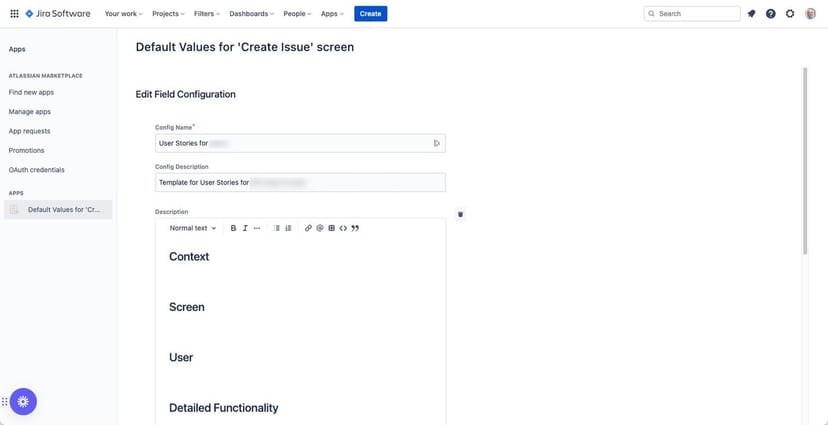
With the free app Default Values for "Create Issues" screen, the project administrator can define a schema within the description of an issue that is automatically applied when one is created. The same applies to the summary, labels, assignee, and priority.
This solution is ideal if all users create their issues using the blue "Create" button in the top menu bar. However, if they create their issues from the backlog, this app—and thus this solution—does not take effect.
Solution 2: Jira Automation
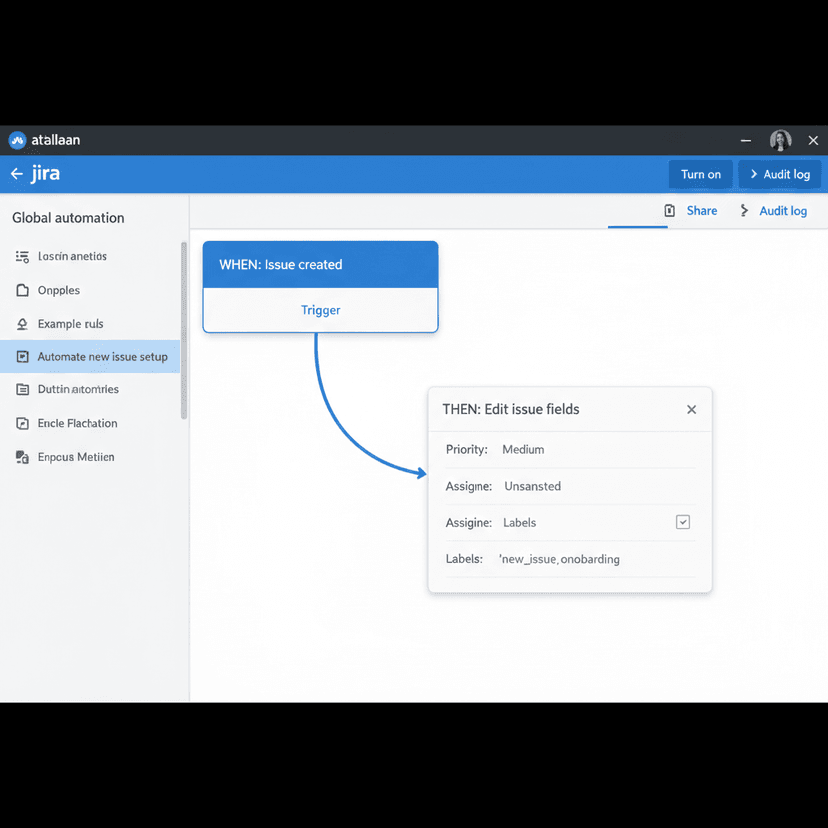
If you are looking for a fundamental solution, the automation features available by default in Jira are a great option. When a new issue is created, the desired text can be automatically written into the required field.
Automations in Jira are a powerful tool for simplifying and accelerating workflows in IT projects. Jira offers a simple graphical user interface for configuring these automations. However, you need to be reasonably familiar with how Jira works and its interdependencies to leverage the full potential of automation.
Solution 3: Process Automation
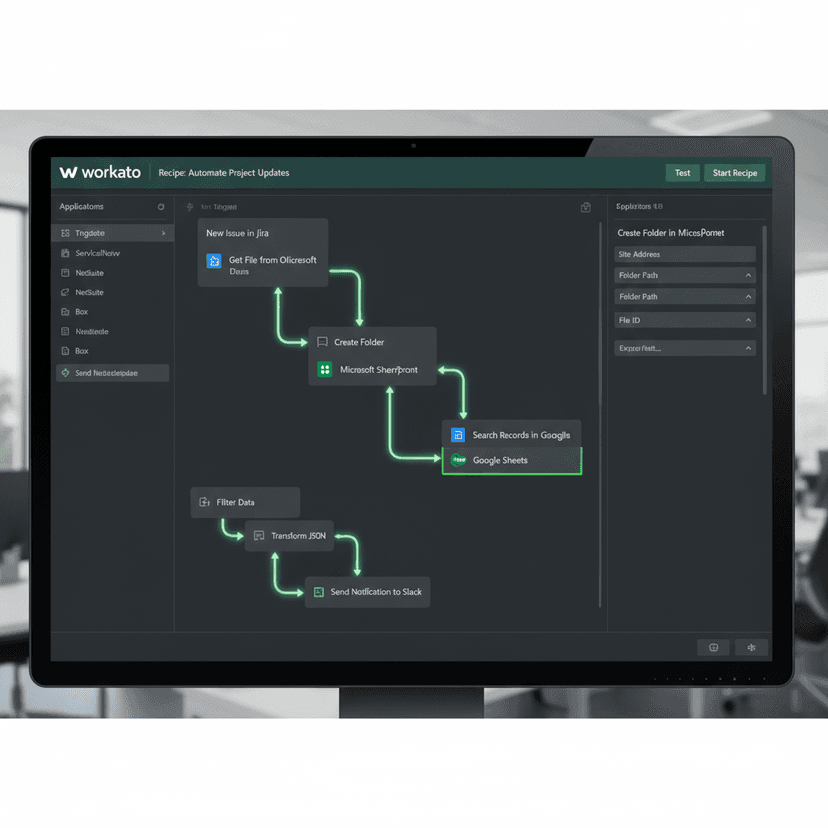
A much more comprehensive option is the automation of cross-system business processes using automation platforms such as Workato, Oracle Integration Cloud, SAP Integration Suite, or—to a certain extent—simpler tools like Make or Zapier.
In this scenario, a requirement can be written in Word and automatically transferred into a Jira ticket when the user saves it to their OneDrive or SharePoint. If other tools are used for project or test management, they can be integrated in the same way.
For example, in the latter case, a bug ticket could be automatically created and assigned in Jira as soon as a case is created in Microsoft Azure DevOps. There are no limits to your creativity.
Conclusion
There are several paths to a solution. Which one is best for your individual case depends on the complexity of your system landscape. If Jira is used primarily in isolation, one of the first two options will likely suffice.
However, if you use many cloud and on-premise systems or need to exchange data between systems, it is worth taking a closer look at using an integration and automation solution. Depending on your requirements and preferences, there are several good providers that offer their platforms as Software-as-a-Service. This keeps operational overhead low and leaves you with more time to focus on automating your business processes.